01
Real Time
Mobile Editor
Stream your viewer panel in real time to your iPhone. No exports, no waiting. Just instant playback.
 ProFrame
Instant access
ProFrame
Instant access
Discover a new way to edit, for the screens that matter most.
ProFrame streams your Final Cut Pro or Premiere Pro viewer, and audio, straight to your phone or tablet in real time, so you can preview your edit exactly as your audience will.
Test vertical framing, captions, colour, and volume levels exactly as your audience will see and hear them. All in realtime, all from your timeline.
Simple Structure, Outstanding Results
Stream your viewer panel in real time to your iPhone. No exports, no waiting. Just instant playback.
See how your audience engages with your content across devices, so you can make smarter decisions.
Enjoy crystal clear audio with zero lag. Built for creators who care about every detail.
Add comments, reactions and branding overlays in real time to boost engagement.
A seamless workflow that keeps you focused, creative and in your flow from start to finish.
See exactly how every edit will look and sound on the devices your audience uses.
Real-time insight
It's time to stop hoping for the best, and start getting real-time insight.
With ProFrame, you'll stop exporting test clips and guessing. See your timeline on your phone and tablet as you edit on desktop, so you can lock vertical framing, caption size/placement, colour balance, and volume levels exactly right, first time, in real time.
See your vertical frame exactly as your audience will, and lock text, framing, and volume with confidence.
Cut the guesswork, and see it through your audience's eyes with real-time desktop to mobile and tablet editing.
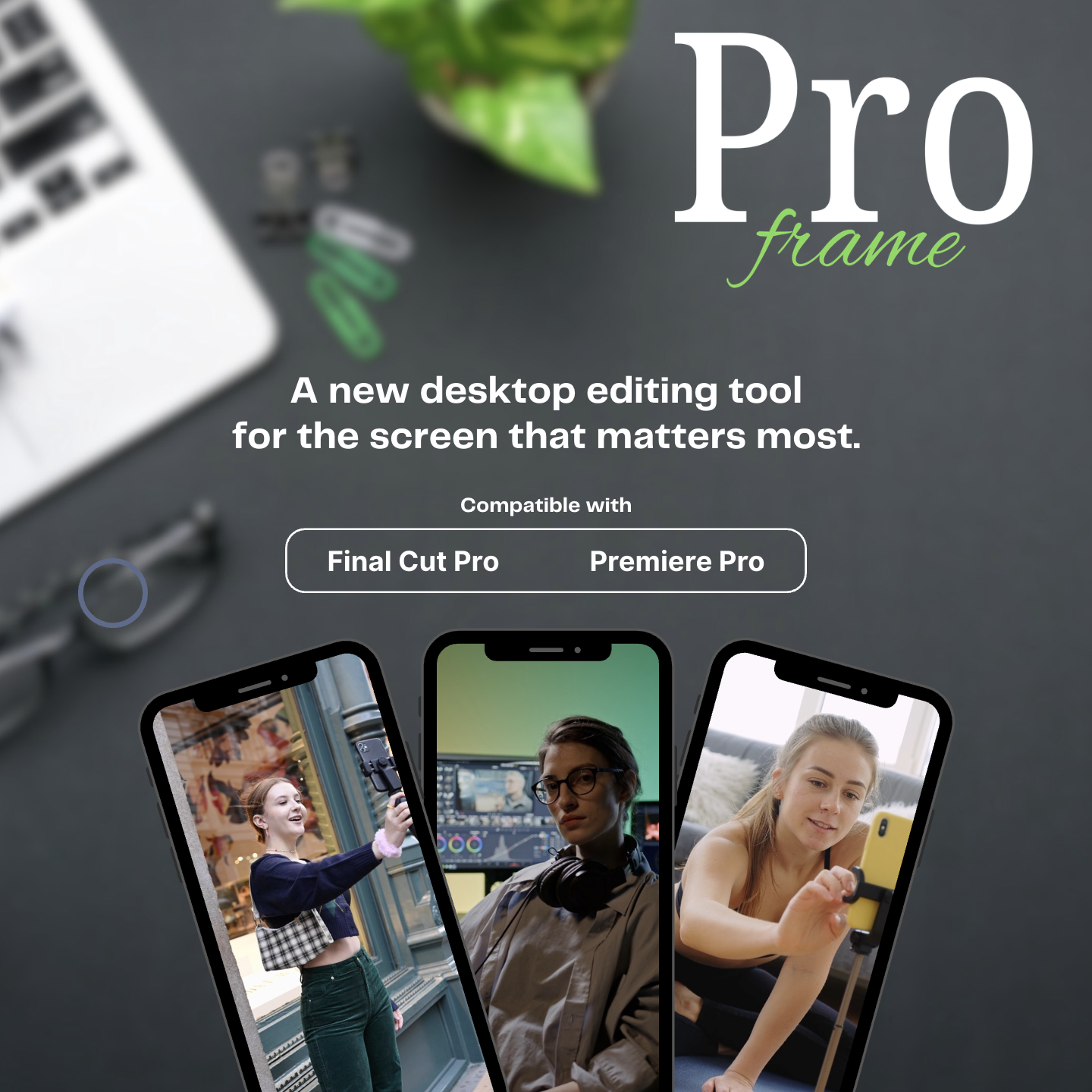
Built for editors. Designed for the world that watches on their devices.
Stream your viewer panel to your iPhone in real time.
No exports. No uploads. No delays. Make a change and see it instantly on your device.
Frame perfectly for vertical from the start. ProFrame helps you avoid cropping surprises and wasted time.
Optimise your edits for mobile-first platforms like TikTok, Reels, Shorts and more.
Hear your edit with frame-accurate audio. Because great content isn't just seen, it's heard.
Add social overlays, safe zones and guides to fine-tune every detail for maximum impact.
A faster workflow. Smarter previews. Better content. All in realtime.
If for any reason you're not fully satisfied with ProFrame, you're guaranteed a full, no questions asked refund for 14 days after purchase.
Simply use the contact form to get in touch and we'll do the rest.
ProFrame is optimised for professional editors. Here's everything you need to know to get the best experience.
iPhone 8 and later
iOS 16.6 and later
iPad 5th gen & later
iPadOS 16.6 & later
Perfect for reviewing your edit across multiple devices.
macOS 12.0+
Supported2020 and later
SupportedM1 chip and later
8GB RAM or more
5GHz Wi-Fi or wired connection
macOS 13.0 Ventura and later
Choose the plan that’s right for you.
iPhone single user license.
iPhone and iPad single user license.
Need ProFrame for your creative team?
iPhone single user license.
iPhone and iPad single user license.
Need ProFrame for your creative team?
All plans include updates and priority support.
Cancel anytime. No long-term contracts.
Reviews
ProFrame gives desktop editors a live phone or tablet monitor, so vertical edits can be judged on the same screens your audience will use.
“I've been editing video for years now and most of my clients want vertical social media reels/videos with high quality edits and a quick turnaround. ProFrame absolutely helps me meet those demands.”
“I decided to bite the bullet and give ProFrame a try as a lot of my work was geared towards social media content creation. I'm glad I did as it's helped me streamline my workflow and improve productivity.”
“ProFrame is a super fun and actually very unique editing tool that genuinely doesn't have any competition. It fills a gap in my editing workflow that no other plugin has.”
“The live device preview changed how I check vertical edits. I catch framing and caption issues before they become export problems.”
“Really useful for Reels and Shorts work. It took one project to feel faster because I stopped second guessing phone playback.”
“Seeing the edit on the actual screen my clients care about makes approvals smoother. ProFrame has become part of my review routine.”
“No more exporting test files just to check safe areas. It feels simple, immediate, and properly built for mobile-first edits.”
“Setup was straightforward and the preview is dependable. I mostly use it for framing checks and quick client-facing social content.”
“The biggest win is confidence. I can see the crop, overlays, colour and timing while I am still making decisions on the timeline.”
“It has made short-form delivery feel less clunky. A couple of rough edges, but the core workflow is exactly what I needed.”
“ProFrame saves me from the tiny mistakes that used to show up after export. It is now one of the first tools I open.”
“Great for checking edits with sound and overlays in context. It keeps the whole mobile review process inside the edit session.”
“A smart utility for anyone delivering vertical content every week. It reduces friction and makes quality control feel much easier.”
By the end of your first session with ProFrame, you’ll see and hear your edit exactly like your audience, so you make sharper choices, move faster, and export with confidence.
Frequently Asked Questions
Everything you need to know before adding ProFrame to your editing setup.
You can buy in confidence knowing that if, for any reason you are not satisfied with ProFrame, you have 14 days to request a full refund via the contact form at proframe.scmdigital.co.uk/contact.
You will get instant access to the ProFrame download bundle which will include the ProFrame plugin for your editor of choice: Apple Final Cut Pro, or Premiere Pro.
Your purchase also provides access to the required ProFrame companion app for iPhone and iPad, available to download directly from the App Store.
In order to maintain product quality with frequent updates, bug fixes, fast and comprehensive support across multiple product compatibilities, ProFrame will only work as a subscription product.
As such, you will have access to ProFrame as long as your subscription remains active. You can cancel or manage your subscription at any time from within the ProFrame app.
Good question, and an important one. Here is the full list of compatibility requirements for ProFrame:
ProFrame is independent and not affiliated with or endorsed by Apple Inc. or Adobe Inc. Final Cut Pro is a trademark of Apple Inc. Premiere Pro is a registered trademark of Adobe Inc.